Where the name comes from
The table view is the most literal of all: member data goes into a table, one row per person and one column per field, much like a spreadsheet. The name says exactly what it is.
It has the highest information density, which makes it the best view for checking, filtering, sorting and batch review. When proofreading a genealogy, missing fields and errors surface fastest here.
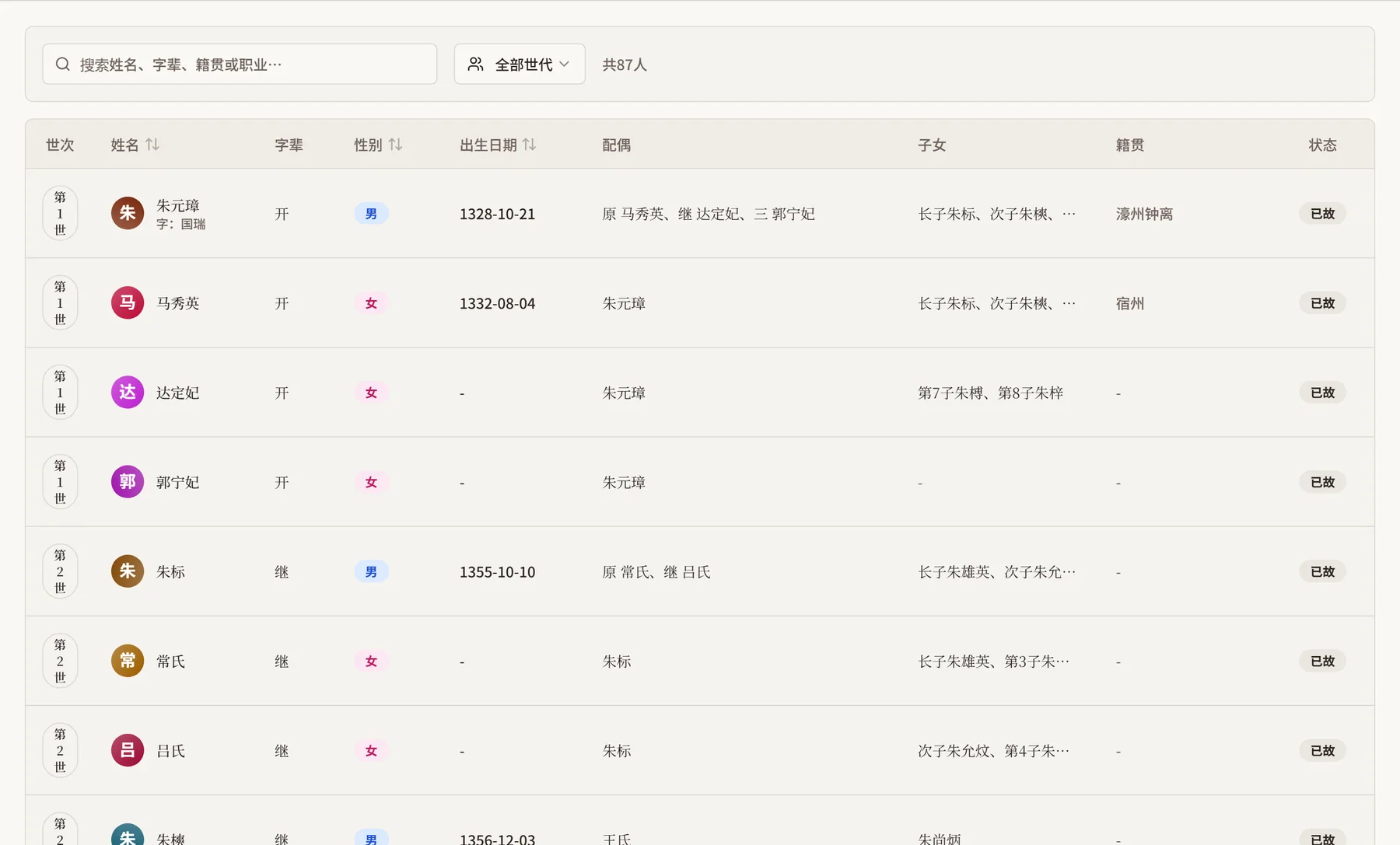
Columns are generation, name, generation character, gender, birth date, spouse, children, hometown and status.
Click a column header to sort by name or other fields; filter by generation at the top.
The top-right corner shows how many members match the current filter, which helps verify totals.
If you need further processing, export and continue in a spreadsheet.
Treat the table as your proofreading view: fill in the gaps here, then switch back to the tree or chronicle for a much more complete result.